They draw in the air.
They learn.
A webcam, a hand and a laptop. Children aged 3 to 7 trace letters, numbers and shapes by moving. No download. No account.
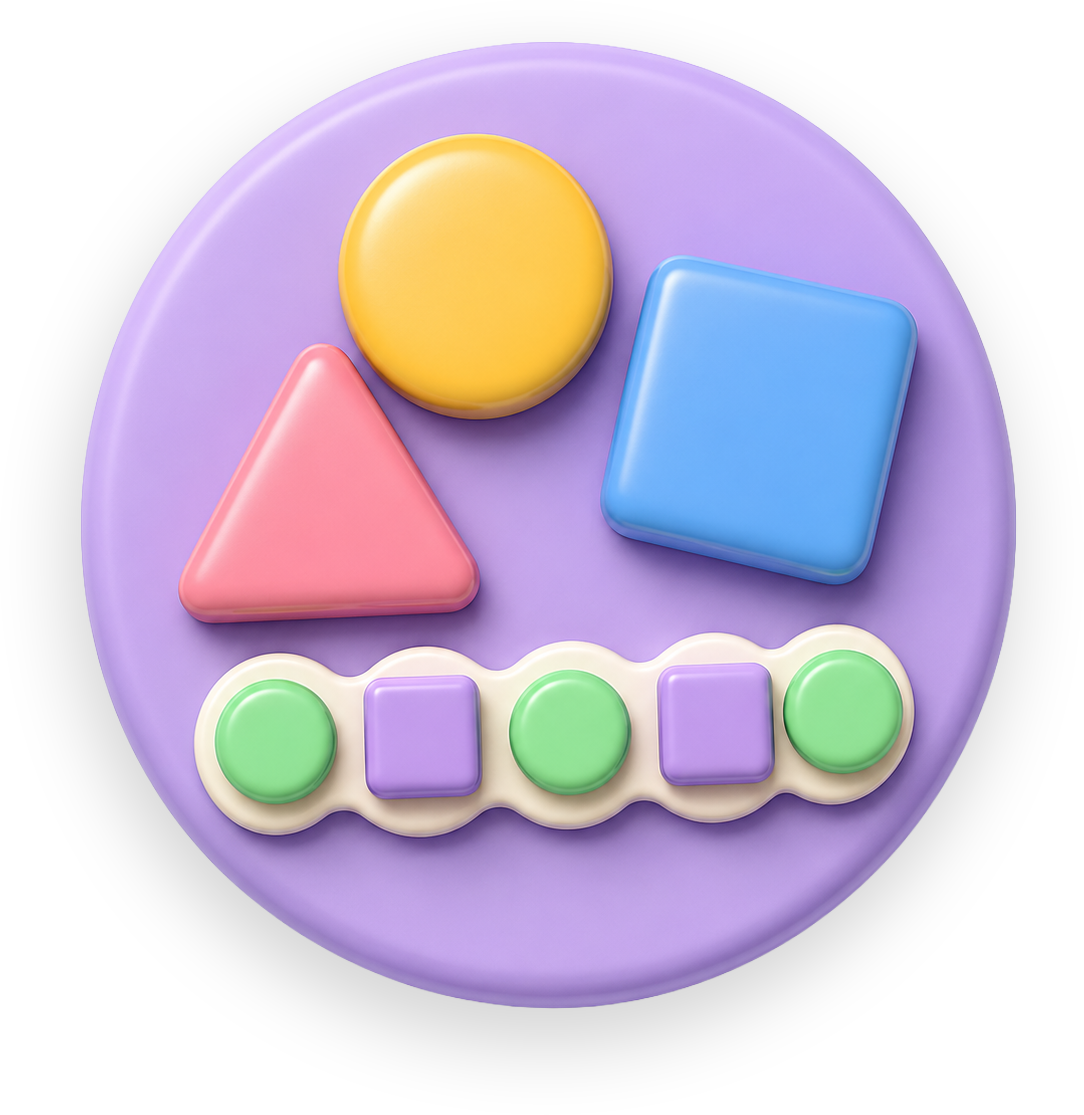

One webcam, eight ways to play.
Every activity is played by moving. Pinch to draw, pop, sort, spell and find. Hover to watch.
Wave to start. Pinch to draw.
Wave at the camera and the session begins. Pinch to draw, trace, sort or pop. Open your hand to pause. That is the whole control scheme.
Built with a UK primary school.
Piloting with Archbishop Courtenay CE Primary in Kent. Ten to fifteen minute sessions, two or three times a week, on the laptops the school already owns.

Movement, not swiping.
The hand does the work the finger used to do. Letters form through whole-arm movement, which is how early writing readiness is built.
For parents → Keep going!Whole class, one join code.
Start a class, share the code, and every child joins from their own laptop. You choose the activity, pause the room and move everyone on together. Aligned to EYFS Physical Development and Literacy.
For teachers →The camera never leaves the laptop.
Draw in the Air asks for the webcam so it can see a hand move. That is all it is for, and the picture goes nowhere else.
We trained children to sit still and tap glass.
Draw in the Air gets them moving again.
A finger on glass.
Eyes down. Body still. The letter appears, but nothing in the arm learned it.
Drawing in the airWhole body in the letter.
Arm, shoulder, eyes up. The movement is the practice.
The questions parents ask first.
No video, no audio, and no images are ever stored or sent anywhere. The camera frame is processed entirely inside the browser tab and discarded each frame. An internet connection is needed while playing so progress and class sessions can sync.

You set it up once. They do the rest.
Open it on a laptop, let them wave at the camera, and step back.
No sign-up to try. The webcam stays on your device.